

Beginner
Data Village
SELECT, WHERE, ORDER BY, LIMIT, and your first INSERT, UPDATE and DELETE.
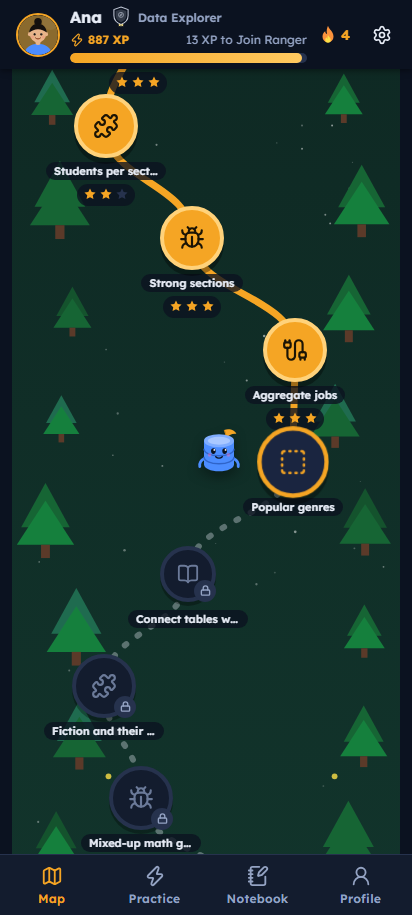
QueryQuest turns SQL into a quest. Build queries from blocks, fix broken ones, guess the output and crack data mysteries across three illustrated worlds — on your phone or your PC, even without internet.
Take the placement test or start from the beginning. Each world ends with a Level Test that unlocks the next one.
SELECT, WHERE, ORDER BY, LIMIT, and your first INSERT, UPDATE and DELETE.

JOINs, GROUP BY, HAVING and aggregates. Connect tables like paths between trees.

Subqueries, CASE, indexes and table design. Then solve the hardest data mysteries.
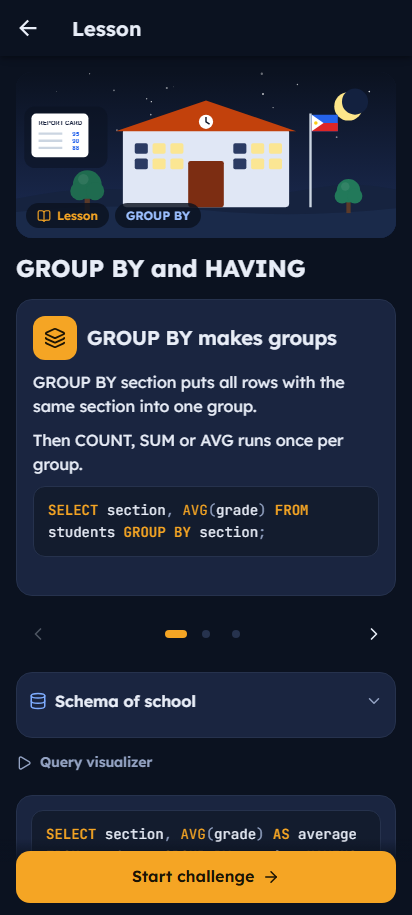
Every answer runs on a real SQLite database, so you see exactly what your query does — row by row.
SELECT name, AVG(grade)
FROM students
GROUP BY section
HAVING AVG(grade) > 86;
Tap SQL blocks into the right order. Perfect for your first queries.
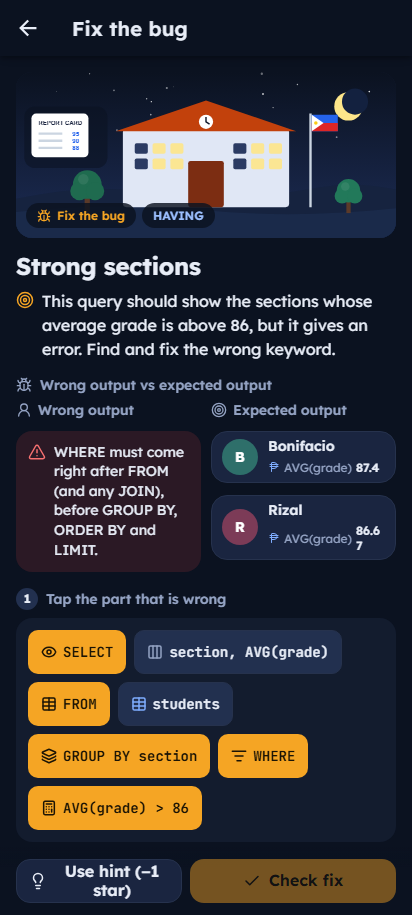
Find the wrong keyword, see the error and the expected output side by side.
Read a query and pick the rows it returns. Trains you to think like the database.
Watch FROM, WHERE, GROUP BY and SELECT filter the table step by step.
Query CCTV logs, receipts and records to catch the culprit. Then accuse with proof.
Write any query in a real editor, or design tables with keys and constraints.
Keep your streak with a daily challenge, or race the clock in timed runs.
Earn stars and XP, rank up from Query Rookie, and collect badges.
Weak-topic practice, a notebook, a PDF progress report and a PIN-locked instructor mode.
Swipe through. Every screen is designed for one-hand play, with big tap targets and friendly error messages.
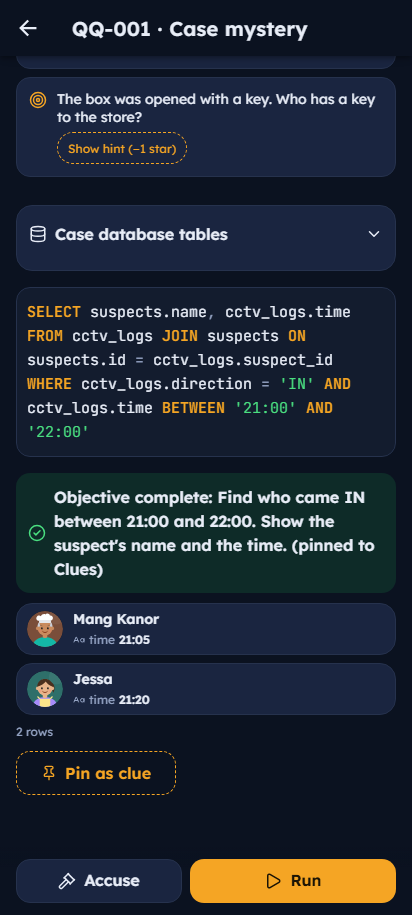
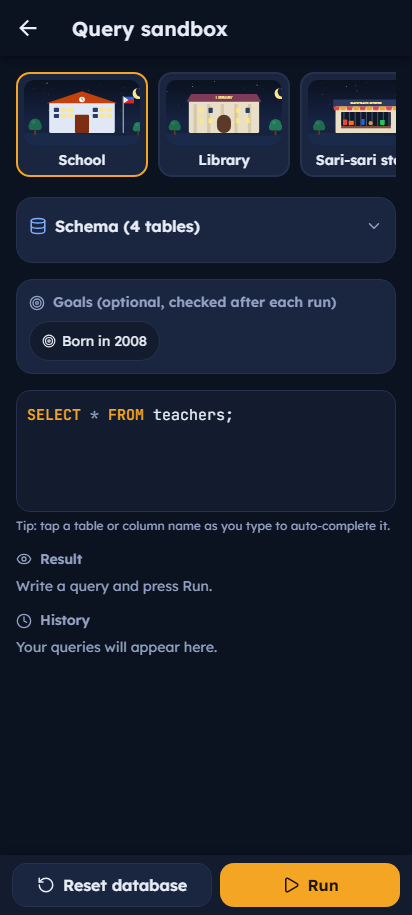
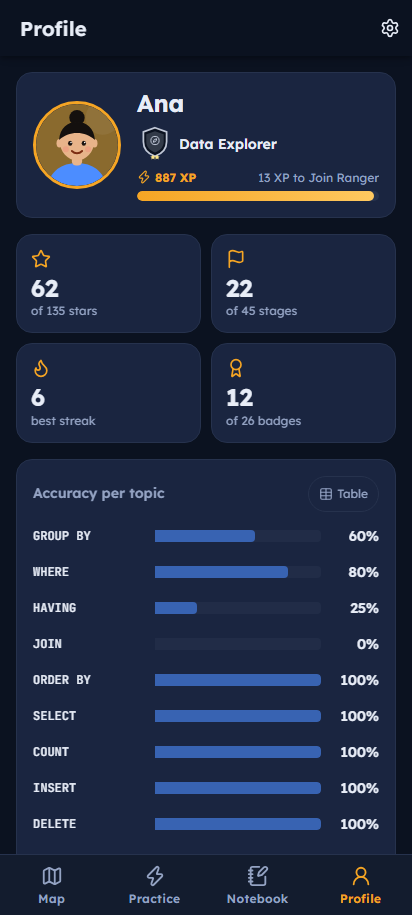
One download, then play anywhere. Your progress stays on your device.
APK · 16.7 MB · Android 7.0 or newer
SHA-256: 8c024b21e722273988e3d3d3657914986a0ce6cbd88324809878d1a582cd2dc8
EXE · 11.1 MB · Windows 10 or 11 (64-bit)
SHA-256: 146cce98e450c9aff55194e7c1865f9f2ba769723a0f363dbc21e1157f5db0fe
No. Everything — lessons, databases and the SQL engine — is inside the app. You only need internet to download it once.
Yes. No ads, no account, no in-app purchases. QueryQuest is a capstone project made for students.
SQLite, which uses the same core SQL you'll find in MySQL, PostgreSQL and SQL Server: SELECT, JOIN, GROUP BY, subqueries, CREATE TABLE and more.
The app is not from the Play Store or Microsoft Store, so your device asks before installing it. That is normal for apps downloaded from a website. You can compare the SHA-256 code above to make sure the file wasn't changed.
QueryQuest uses Microsoft Edge WebView2, which comes with Windows 10 and 11. If it was removed, install the free WebView2 Runtime and open the app again.
Progress is saved on each device separately. Teachers can export a PDF report from the Profile tab.